
Simple steps from prep to curtain call
1. Prepare content
Prepare caption script in a text editor, and if desired, translations and audio descriptions, for your production. Load script(s) into CCTheater. Content can be updated easily throughout the run.
Choose how audiences will receive content, whether through theater-owned devices, open-caption displays, or their own smartphones and tablets, with many options for customization.
3. Gate out captions
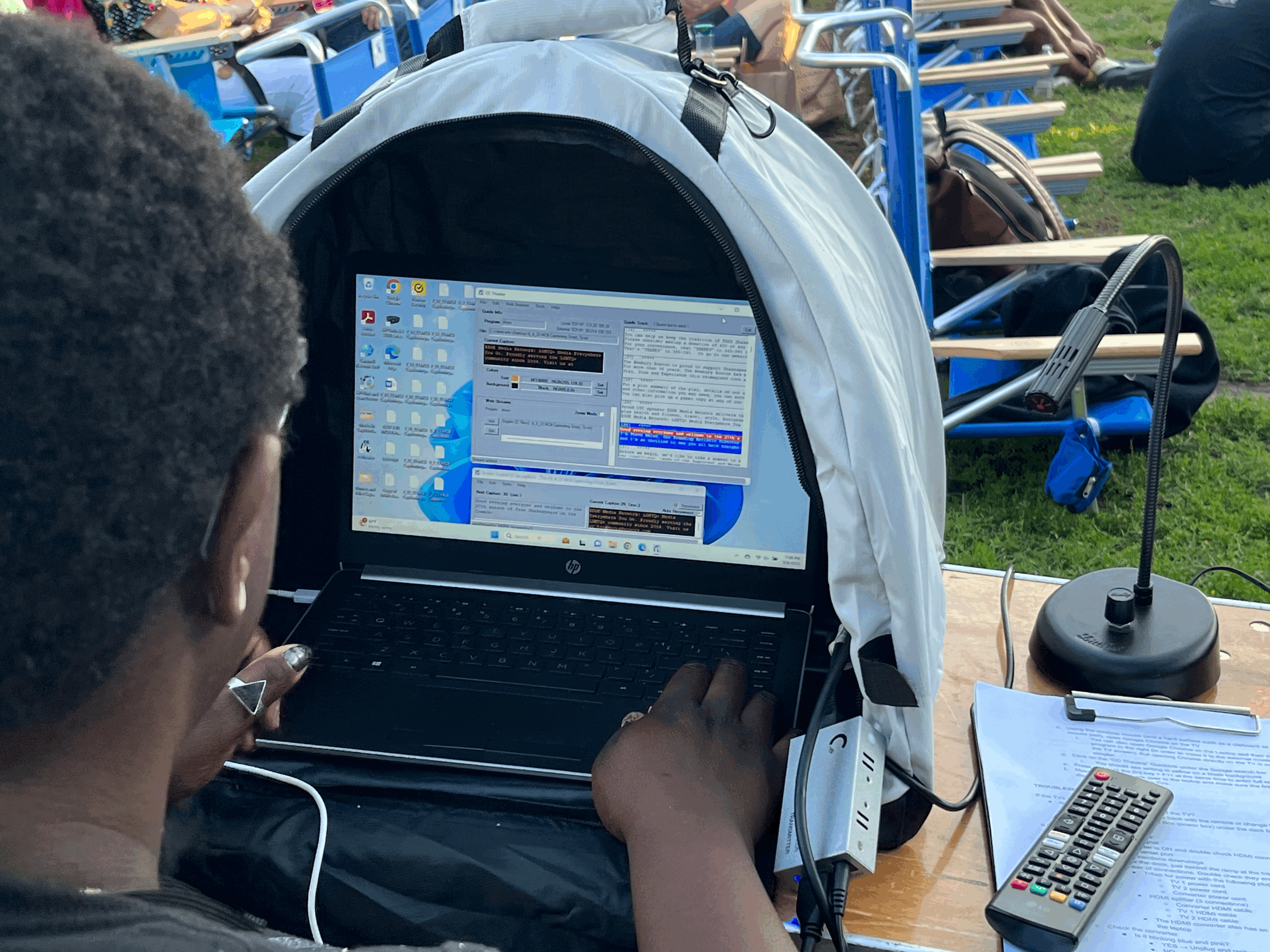
Assign an operator to advance content in sync with the performance. The system is easy to learn and can often be managed by student or volunteer operators.
Our tip: Be sure to promote your accessibility offerings in your marketing materials, website, and ticketing pages so audience members know they are available.
Acknowledge CCTheater as the provider of your accessibility options!
"For almost a decade we struggled with finding a user-friendly interface to implement our captioning services for our Hard-of-Hearing patrons. CCTheater is approachable for access coordinators, easy for operators and appealing for patrons."
Kara Crumrine
Director of Community and Accessibility Moonbox Productions, Cambridge, MA
Script Sample

Live Operator
Audience Experience


CCTheater is a product of AccessTech LLC.
© 2026 CCTheater. Accessibility for every performance.